Choosing a Tasting Room or Taproom POS: 12 Questions to Ask
A generic retail POS can ring up a sale. A tasting room or taproom asks a lot more of it: club pricing, tabs for tables, tastings that turn into case sales, deposits on every bottle and can, and stock that has to match what’s sold online and to wholesale accounts. Here are the 12 questions to ask any POS vendor before you sign.
Payments
1. Which card terminals does it connect to directly?
Integrated terminals send the amount to the card reader automatically, so staff never retype totals, and end-of-day numbers match without manual checks. Ask which processors and terminal models are supported, and whether you can keep your current merchant account or have to switch.
Also ask what happens when the internet goes down, how refunds work on the terminal, and what the processing fees are for in-person and online payments. Fees that look small on one transaction add up quickly over a busy summer.
2. Can guests pay any way they like and split the bill?
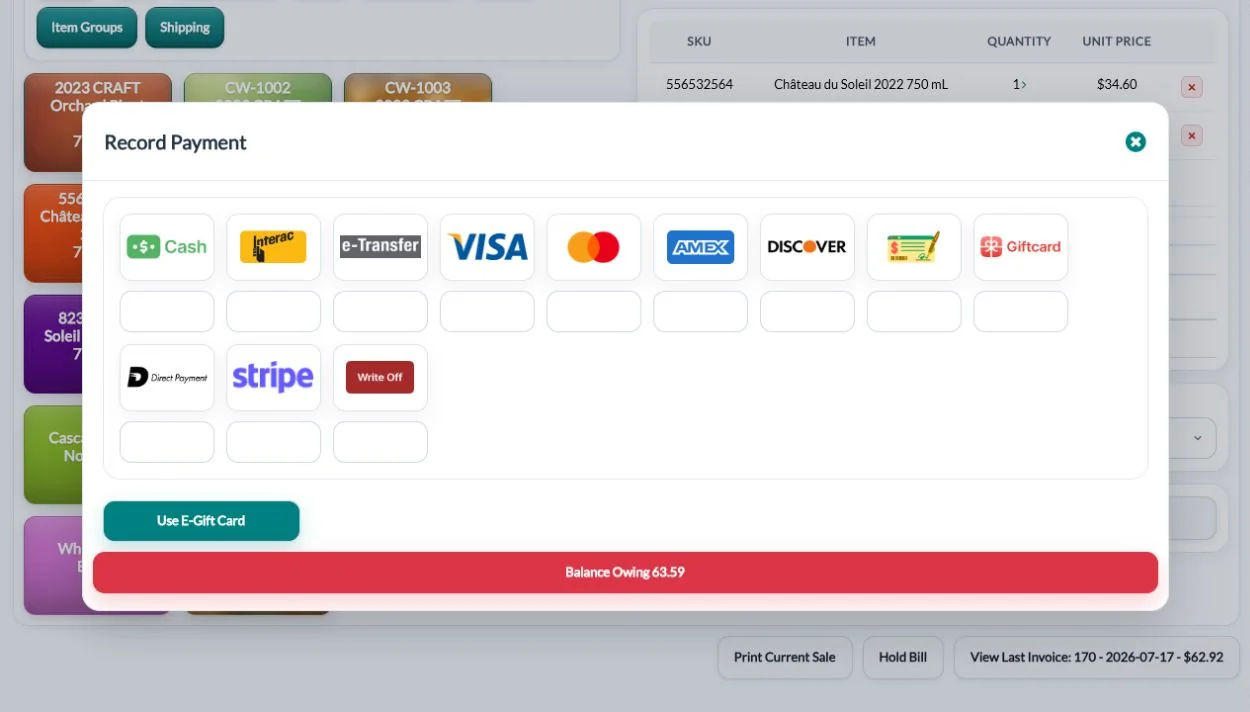
Guests expect to pay however they like: cash with change due, debit (Interac in Canada), credit, mobile wallets and gift cards. Groups often want to split one bill several ways, by person, by item or by amount.
Ask the vendor to show you a split payment live, with a mix of card, cash and gift card on one bill. It’s a common moment of friction at the till, and a clumsy split slows down the whole line.
3. How are tips handled and reported?
If staff share tips, you need tips reported by staff member and by payment type, not just a single total. Otherwise someone ends up working it out by hand at the end of every shift.
Ask how tips are entered on the card terminal, whether tips on tabs are credited to the right server, and how tips show up in your end-of-day reports.
Members and pricing
4. Does member pricing apply automatically?
Staff shouldn’t have to remember who’s in the club. When they look up the customer, the right price should appear on its own, ideally with the regular price shown so members can see what they saved.
Check that member pricing works the same way in the tasting room as it does online, and that it handles different discounts for different club tiers. Members notice quickly when the price at the bar doesn’t match the price in the online shop.
5. Can it handle trade and contract pricing too?
If restaurants, private stores or other trade customers buy from your tasting room, their prices should apply automatically too, without staff looking up a price list.
Ask whether the POS shares customer pricing with your wholesale system, or whether you’d have to maintain two sets of prices that drift apart over time.
6. Are loyalty points and gift cards built in?
Points and gift cards that work both in person and online are worth far more than separate systems that don’t talk to each other. A guest with a gift card from your online shop expects to use it at the bar.
Ask how points are earned and redeemed, whether staff can see a customer’s balance at the till, and whether gift cards can be sent electronically with a recipient and message, as well as sold at the counter.
Running the floor
7. Can staff hold a tab for a table?
Tastings and pints are often paid at the end. You need to hold a bill with the customer and table attached, keep adding to it, and pick it up again later.
Ask how many tabs can be open at once, how staff find the right one on a busy day, and what happens to open tabs at closing time. A forgotten tab is a lost sale.
8. Does it work on a small handheld device?
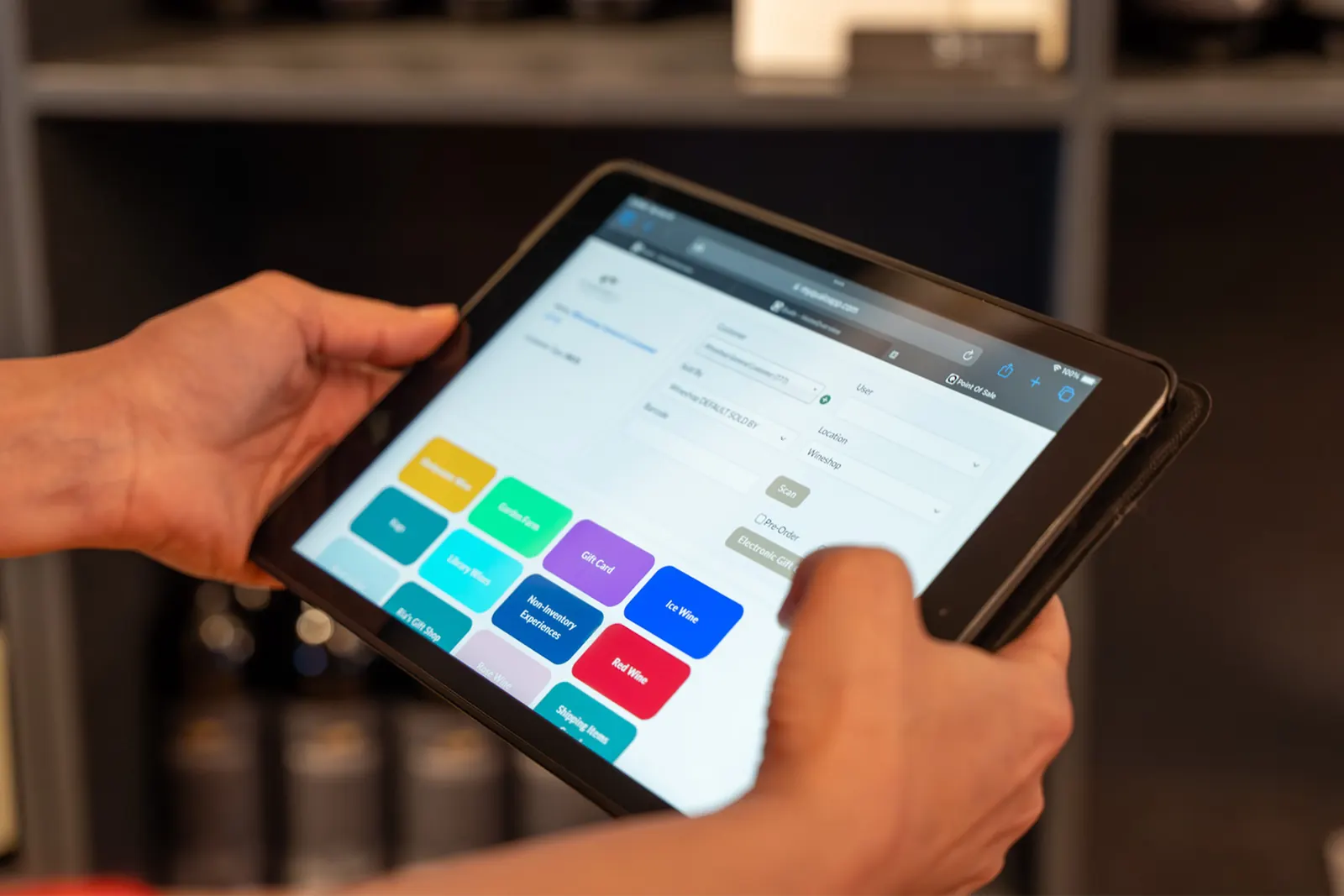
On busy weekends, taking orders and payment at the table or on the patio speeds everything up and shortens the line at the bar.
Ask whether the POS runs on a phone or small tablet, whether a handheld device can take card payments, and whether it shares tabs with the main till, so a table can order on the patio and settle up at the bar.
9. Do reservations flow into the POS?
If guests book tastings online, the booking should check in at the POS and close out automatically, rather than living in a separate calendar that staff have to cross-check.
Ask whether prepaid tasting fees carry over to the bill, whether the guest’s customer record comes with the booking, and whether bottle purchases can be added to the same bill.
Inventory and compliance
10. Does every sale update one shared inventory?
Your tasting room, online shop, club and wholesale orders should all draw from the same live stock, so you never sell the last case twice.
Ask whether stock is tracked by location, how transfers between the cellar and the tasting room are recorded, and whether you can set reorder points so you’re warned before a best seller runs out.
11. Are deposits and taxes calculated automatically?
Bottle and can deposits, GST and PST (or HST) should be added correctly on every sale, without staff doing maths at the counter.
Ask how deposits are set up for different container sizes, how tax-exempt and trade customers are handled, and whether reports show deposits and taxes separately for your bookkeeper.
Closing the day
12. How fast is end of day?
Look for a cash-out report by payment type and tip, an end-of-day dashboard, one-click refunds, and sales that sync to your accounting software.
Ask the vendor to walk you through closing a real day, from counting the cash to the numbers arriving in your accounts. If it takes more than a few minutes in the demo, it will take longer on a busy Saturday.
The bottom line
The right POS isn’t the one with the most buttons. It’s the one that shares customers, prices and inventory with everything else you run, so your tasting room isn’t an island.
Questions to ask about the vendor, not just the software
The best features don’t help if setup and support let you down. Before you sign, also ask:
- How long does setup take, and who does it? Ask for a realistic timeline from contract to first sale, and what your team has to do.
- Can you bring my customers and history across? Starting from zero loses years of customer and club data.
- What does training look like? In person, online, recorded? Is ongoing training included after go-live?
- Who answers when something breaks on a Saturday? Ask about support hours and how quickly a real person responds.
- Are there per-user or per-terminal fees? Seasonal staff can make per-user pricing expensive.
How to run a fair POS demo
Don’t let the vendor drive the whole demo. Bring three real scenarios from your own tasting room and ask them to run each one live:
- A club member buys a case, uses loyalty points, and pays with two cards.
- A table of six opens a tab, adds a flight and bottles over an hour, then splits the bill.
- A guest who booked online arrives, tastes, buys, and checks out.
Watch how many screens each scenario takes and whether inventory, pricing and the customer record update without anyone retyping.
A practical POS demo scorecard for Canadian wineries
Bring the same examples to every vendor demo. Write down what you saw, what needs an extra module and what the vendor has only promised. Give each requirement a score: 0 = not demonstrated, 1 = partly demonstrated or a manual workaround, 2 = demonstrated end to end. Mark any must-have requirement separately; a high total cannot compensate for missing a requirement your business depends on.
| Scenario | What to verify | Score / notes |
|---|---|---|
| Club member buys a mixed case | Correct member price, stock location, deposits and configured taxes; no duplicate customer record | __ / 2 |
| Guest splits payment | Card plus cash or gift card, correct remaining balance, one clear receipt | __ / 2 |
| Table holds a tab | Another staff member can find it, add items and settle the correct table | __ / 2 |
| Last case sells online | POS and online shop show consistent availability; vendor explains how stock is reserved | __ / 2 |
| Refund after purchase | Payment, inventory and loyalty reversal shown; vendor explains partial refunds | __ / 2 |
| Club card is declined | Staff can identify the affected order, resolve it and avoid duplicate charges | __ / 2 |
| Close a shift | Payments, tips, deposits and taxes are separated and can be reconciled | __ / 2 |
| Send data to accounting | Vendor demonstrates its supported accounting connection and explains exceptions | __ / 2 |
Test your own provincial setup
Ask the vendor to demonstrate the tax and container-deposit configuration your business actually uses, including a trade customer if relevant. Have your bookkeeper confirm the setup. A Canadian label on a product is less useful than seeing your own transaction work correctly. Explore QUALO’s Canadian setup and payment integrations.
Ask what happens when the connection fails
Have the vendor explain what remains available during an internet or processor outage, what staff should do with an open bill, and how recovery avoids duplicate payments. Record the answer in your comparison. Do not assume that a browser-based POS supports offline sales.
Compare the total cost over a year
Request a written quote covering software modules, locations, users, devices, onboarding, migration, support and payment processing. Compare the same expected sales volume and seasonal staffing for every vendor. Confirm export options and cancellation terms before signing. See QUALO’s modules for the areas to include in your comparison.
Save the evidence
Keep the quote, demo notes and unresolved questions together. Before making a decision, ask each vendor to demonstrate any must-have item that was left unanswered.
Tasting room POS FAQs
Can I use an iPad or tablet as my POS?
Many modern systems run in a browser, so a tablet works. Check whether the vendor has a screen designed for smaller devices.
Do I need a separate POS for events and markets?
Not if your POS runs on any device with an internet connection and shares one inventory. Ask how the vendor handles events away from your main location.
Is a retail POS good enough for a small tasting room?
It can ring up sales, but you’ll end up managing club pricing, deposits and inventory sync by hand. The time cost grows quickly as you add a club or an online shop.
How QUALO answers these questions
QUALO’s POS sends payments to integrated Elavon and Moneris terminals, applies member, customer-type and contract pricing automatically, holds tabs, sells gift cards, tracks loyalty points, and checks in online reservations. Every sale updates the same inventory your shop, club and wholesale orders use. Deposits, GST and PST are added automatically, and the day closes with a cash-out report and a QuickBooks Online sync.
See the QUALO POS · Book a demo